


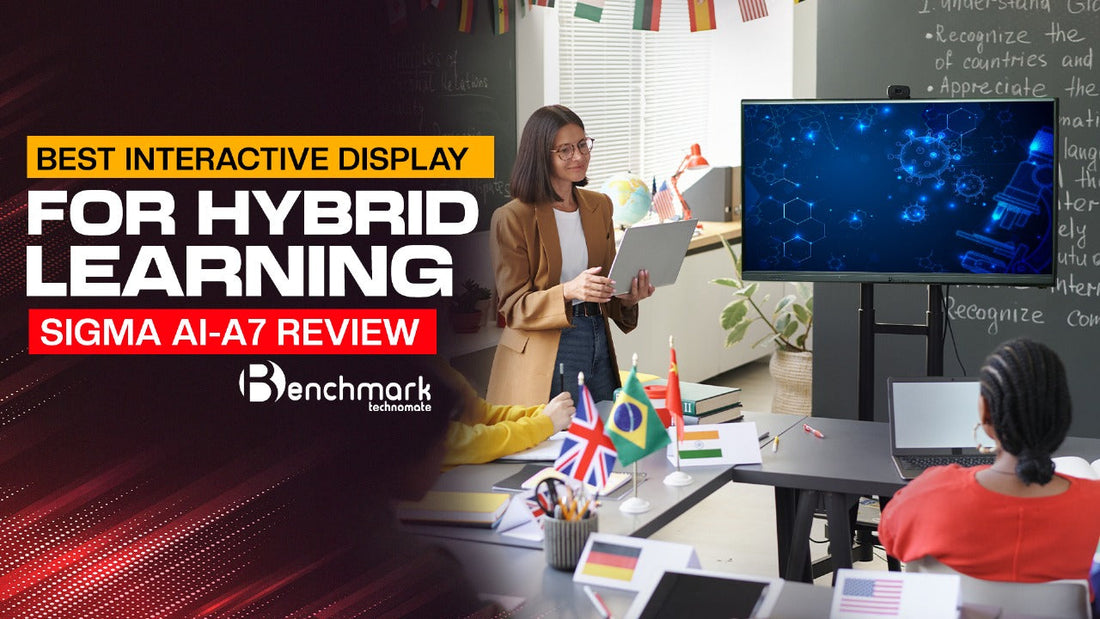
Best Interactive Display for Hybrid Learning: Benchmark Sigma AI-A7 Review
Hybrid learning has become the new normal in education, merging traditional classroom teaching with online instruction to create a flexible, accessible learning experience. In this ever-evolving landscape, choosing the Best Interactive Display for Hybrid Learning is essential for success. Enter the Benchmark Sigma AI-A7, a cutting-edge interactive display designed to bridge the gap between in-person and remote education.
This comprehensive Benchmark Sigma AI-A7 Review will cover everything you need to know about this revolutionary device, from its features and specifications to its benefits for hybrid learning.
Why Benchmark Sigma AI-A7 is the Best Interactive Display for Hybrid Learning
The Benchmark Sigma AI-A7 stands out as the Best Interactive Display for Hybrid Learning thanks to its powerful hardware, intuitive software, and seamless connectivity options. Designed with educators, corporate trainers, and content creators in mind, this interactive display combines top-tier performance with user-friendly functionality.
But what makes it truly exceptional for hybrid learning? Let’s break down its features.
Also Read: How to Set Up OBS Studio for YouTube Streaming
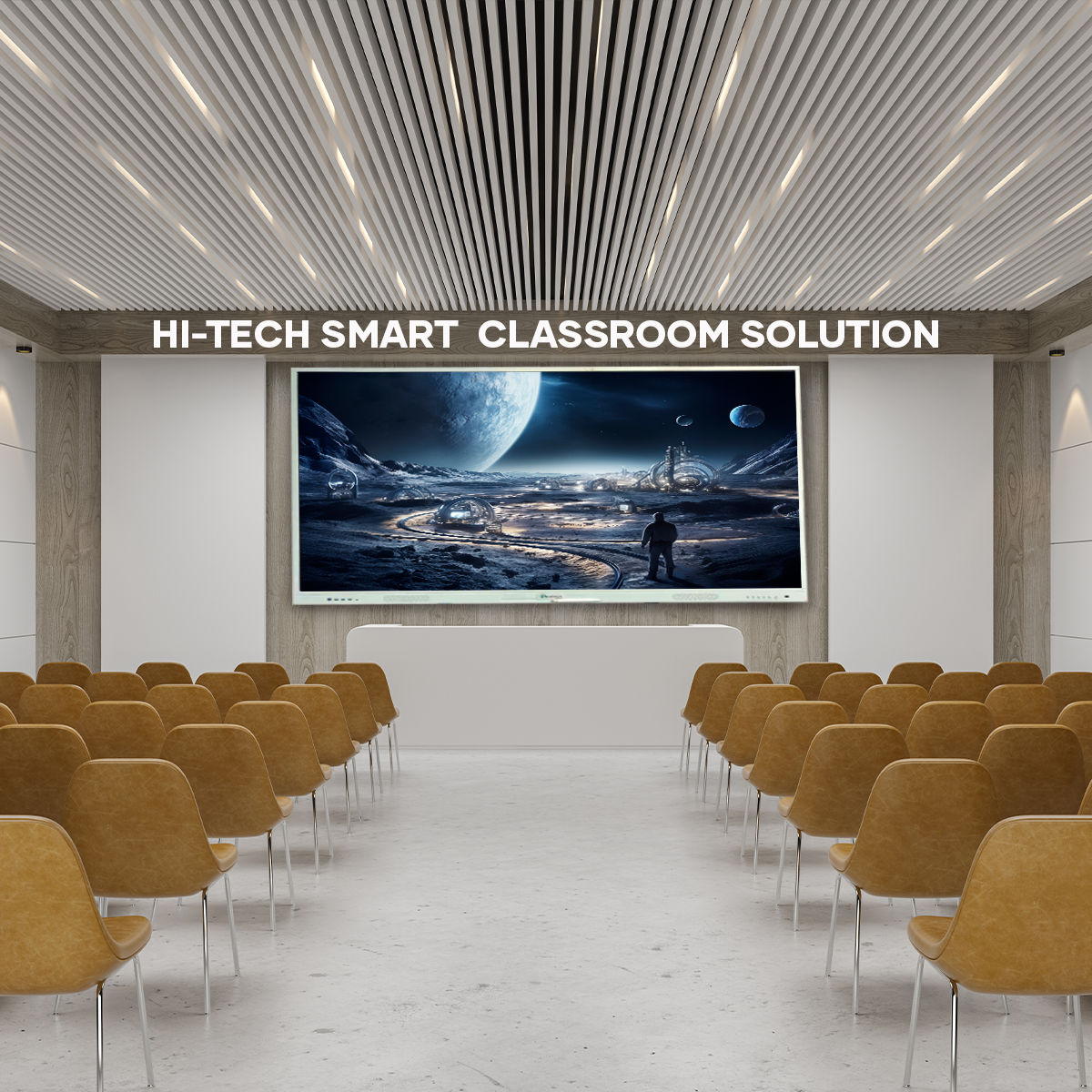
Benchmark Sigma AI-A7 Review: Key Features & Specifications
The Benchmark Sigma AI-A7 is packed with advanced features to enhance learning experiences for both in-person and online participants. Here’s a closer look at what makes this display a game-changer.
1. Display Quality & Touch Technology
-
Resolution: 4K UHD (3840 x 2160) for crystal-clear visuals.
-
Touch Technology: 40 Touch Points with Zero Bonding Optical Touch Technology for precise, responsive interaction.
-
Display Sizes: Available in 55" to 86", catering to various room sizes and applications.
-
Anti-Glare & Anti-Fingerprint Glass: 9H Tempered Glass ensures durability and a distraction-free experience.
The high-resolution display ensures content clarity, whether you’re teaching in person or broadcasting to remote learners.
2. Hardware & Operating System
-
Processor: Octa-Core CPU (1.9GHz) for fast, efficient performance.
-
RAM & Storage: 8GB DDR4 RAM and 128GB ROM offer ample space for apps and files.
-
Operating System: Android 13 for compatibility with the latest educational and collaborative apps.
-
Dual OS Compatibility: Supports both Windows & Android, ensuring broad compatibility with various software platforms.
The powerful hardware ensures smooth multitasking and rapid performance, crucial for hybrid learning environments.
Also Read: Professional Studio Lighting Setup by Benchmark

3. Connectivity Options
-
Wi-Fi & Bluetooth 5.0: Enables seamless wireless connectivity.
-
Type-C & USB 3.0 Ports: High-speed data transfer for external devices.
-
HDMI & VGA Ports: Multiple HDMI inputs and VGA support for enhanced compatibility.
-
LAN, Audio, and AV In/Out Ports: Flexible connectivity options for various devices.
The Benchmark Sigma AI-A7 makes it easy to integrate laptops, tablets, smartphones, and other devices, enhancing the learning experience for both remote and in-person participants.
4. Collaboration & Accessibility
-
Wireless Casting: Connect up to 9 devices simultaneously, perfect for group projects and interactive lessons.
-
Whiteboard Tools: Draw, annotate, and collaborate with intuitive tools.
-
Split Screen & Smart Annotation: Multitask efficiently by working on multiple applications simultaneously.
-
Hand Gesture Recognition: Navigate content effortlessly with simple gestures.
These features make the Benchmark Sigma AI-A7 an indispensable tool for teachers aiming to keep students engaged, regardless of their location.
Also Read: Best OPS for Interactive Flat Panels: Top Choices for Enhanced Digital Interaction

5. Security & Durability
-
Password Protection & Remote Access Control: Enhanced security for sensitive content.
-
Eye Protection Mode: Reduces strain during long teaching or learning sessions.
-
Warranty: 3-Year Warranty ensures peace of mind.
The durability and security of the Benchmark Sigma AI-A7 make it an excellent investment for educational institutions and corporations alike.
Benefits of Benchmark Sigma AI-A7 for Hybrid Learning
Choosing the Best Interactive Display for Hybrid Learning means finding a solution that offers clarity, accessibility, and adaptability. Here’s why the Benchmark Sigma AI-A7 excels in these areas:
-
Enhanced Engagement: The interactive touch screen keeps both in-person and remote learners actively involved.
-
Improved Collaboration: Multiple device connectivity allows seamless collaboration among students and teachers.
-
Adaptability: From digital classrooms to corporate presentations, the Benchmark Sigma AI-A7 fits various use cases.
-
Future-Proof Technology: With Android 13 compatibility and Dual OS support, you’re set for years to come.
Why the Benchmark Sigma AI-A7 is the Best Interactive Display for Hybrid Learning
The Benchmark Sigma AI-A7 has established itself as the Best Interactive Display for Hybrid Learning due to its robust features and user-centric design. It offers 4K UHD resolution, smooth touch technology, and powerful connectivity options, all of which are essential for creating an engaging and effective learning environment.
Whether you’re a teacher conducting online classes or a corporate trainer leading remote meetings, the Benchmark Sigma AI-A7 delivers an unparalleled interactive experience.
FAQs
Is the Benchmark Sigma AI-A7 suitable for hybrid learning environments?
Yes, its powerful connectivity options and interactive features make it perfect for hybrid learning setups.
What is the resolution of the Benchmark Sigma AI-A7?
It boasts a 4K UHD resolution (3840 x 2160) for clear and detailed visuals.
Can I use Benchmark Sigma AI-A7 with both Windows and Android devices?
Yes, it offers Dual OS Compatibility, supporting both Windows and Android platforms.
How many devices can be connected wirelessly to Benchmark Sigma AI-A7?
Up to 9 devices can be connected simultaneously via wireless casting.
What is the warranty period for Benchmark Sigma AI-A7?
It comes with a comprehensive 3-year warranty for peace of mind.
Conclusion
The Benchmark Sigma AI-A7 is the ultimate solution for hybrid learning, offering a blend of advanced technology, versatile connectivity, and durable design. Whether used in schools, universities, or corporate boardrooms, it proves to be the Best Interactive Display for Hybrid Learning.
Ready to enhance your hybrid learning experience? Try the Benchmark Sigma AI-A7 today!
Prev post
How to Set Up Benchmark Sigma AI-A7: Step-by-Step Guide
Updated on 13 April 2025
Next post
Benchmark Sigma AI-A7 Review: Why It’s the Best Interactive Display in 2025
Updated on 09 April 2025
You Also Like


