


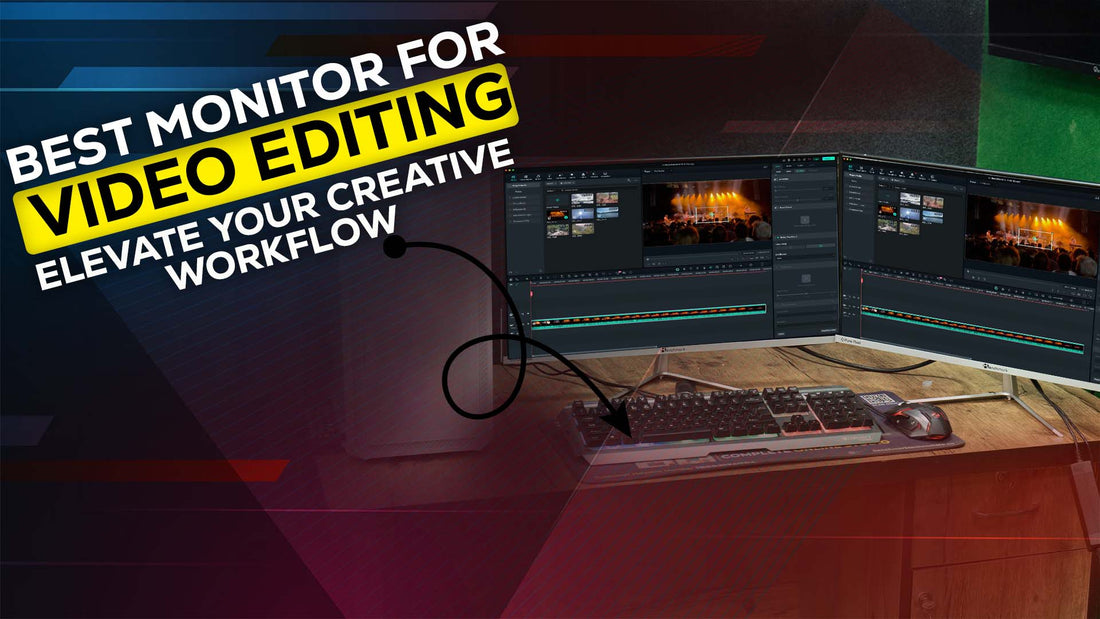
Best Monitor for Video Editing: Elevate Your Creative Workflow
Introduction
For video editors, choosing the right monitor can make or break the editing experience. A monitor with precise color reproduction, high resolution, and versatile connectivity is essential for crafting visually stunning projects. In this blog, we’ll explore what makes the Benchmark Technomate 24-inch Monitor a top choice for video editing and compare it to other options available in the market.
Why Monitor Choice Matters for Video Editing
The monitor is the window into your creative world. A subpar display can misrepresent colors, blur details, and hinder your ability to bring projects to life. Whether you’re color grading, fine-tuning details, or reviewing edits, a high-quality monitor ensures that every pixel tells the story you want it to.
When selecting the best monitor for video editing, there are key features to prioritize:
- Color Accuracy: True-to-life colors ensure your work looks professional across all platforms.
- Resolution: Higher resolutions like 4K provide more workspace and clarity.
- Refresh Rate: A higher refresh rate smooths motion, especially during playback.
- Ergonomics and Connectivity: Adjustable stands and versatile input options make editing sessions comfortable and seamless.
Also Read:
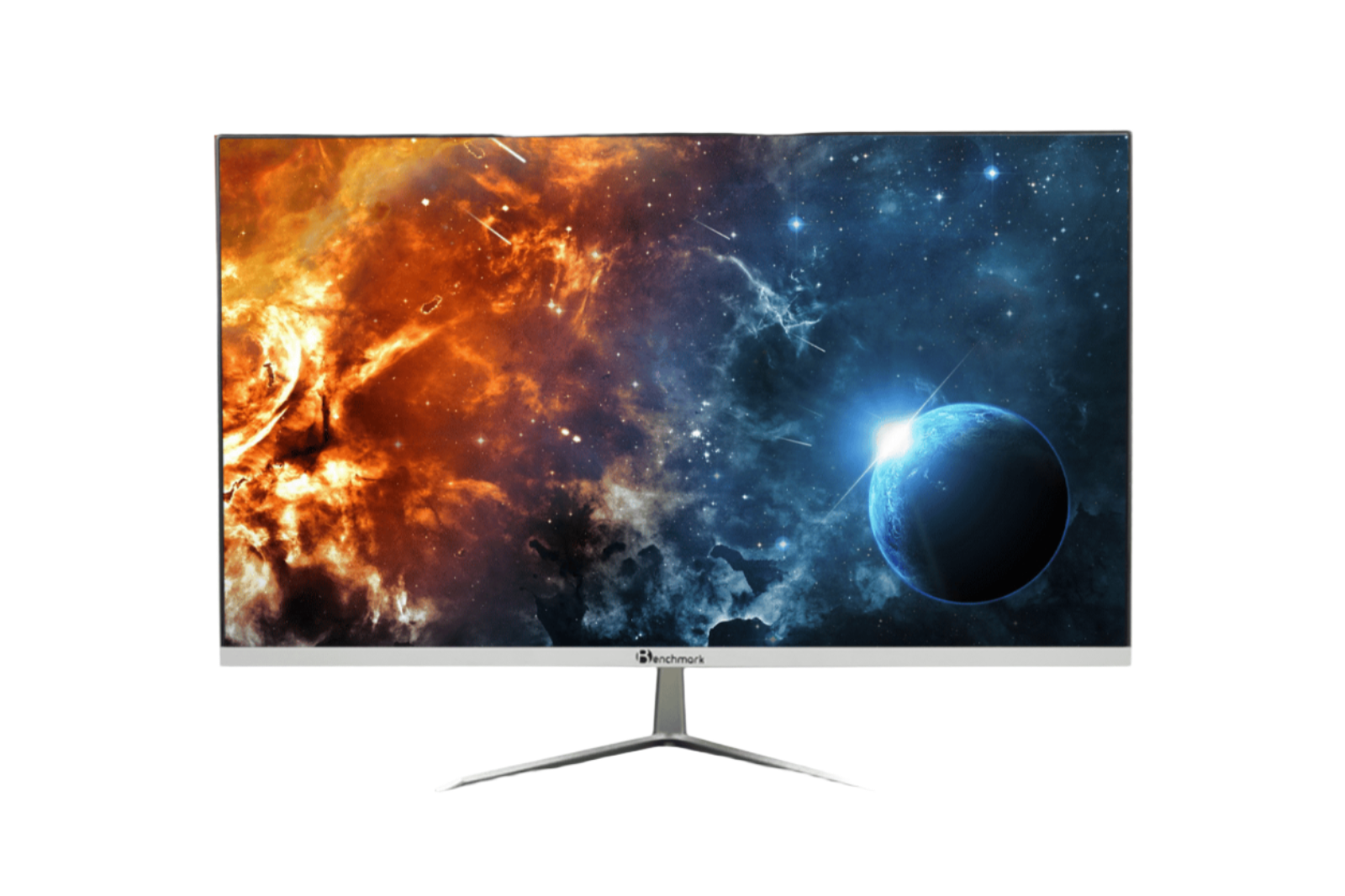
Benchmark Technomate 24-Inch Monitor: The Perfect Video Editing Companion
Crystal-Clear Picture Quality
The Benchmark Technomate 24-inch Monitor excels in delivering lifelike visuals thanks to its IPS panel. IPS (In-Plane Switching) technology ensures vibrant colors and consistent brightness, even at wide viewing angles, making it ideal for collaborative editing sessions.
Accurate Color Reproduction
With a high color gamut and factory-calibrated settings, this monitor reproduces colors with unmatched precision. Whether you’re grading footage or editing HDR content, the Benchmark Technomate’s color fidelity ensures your final product looks as intended.
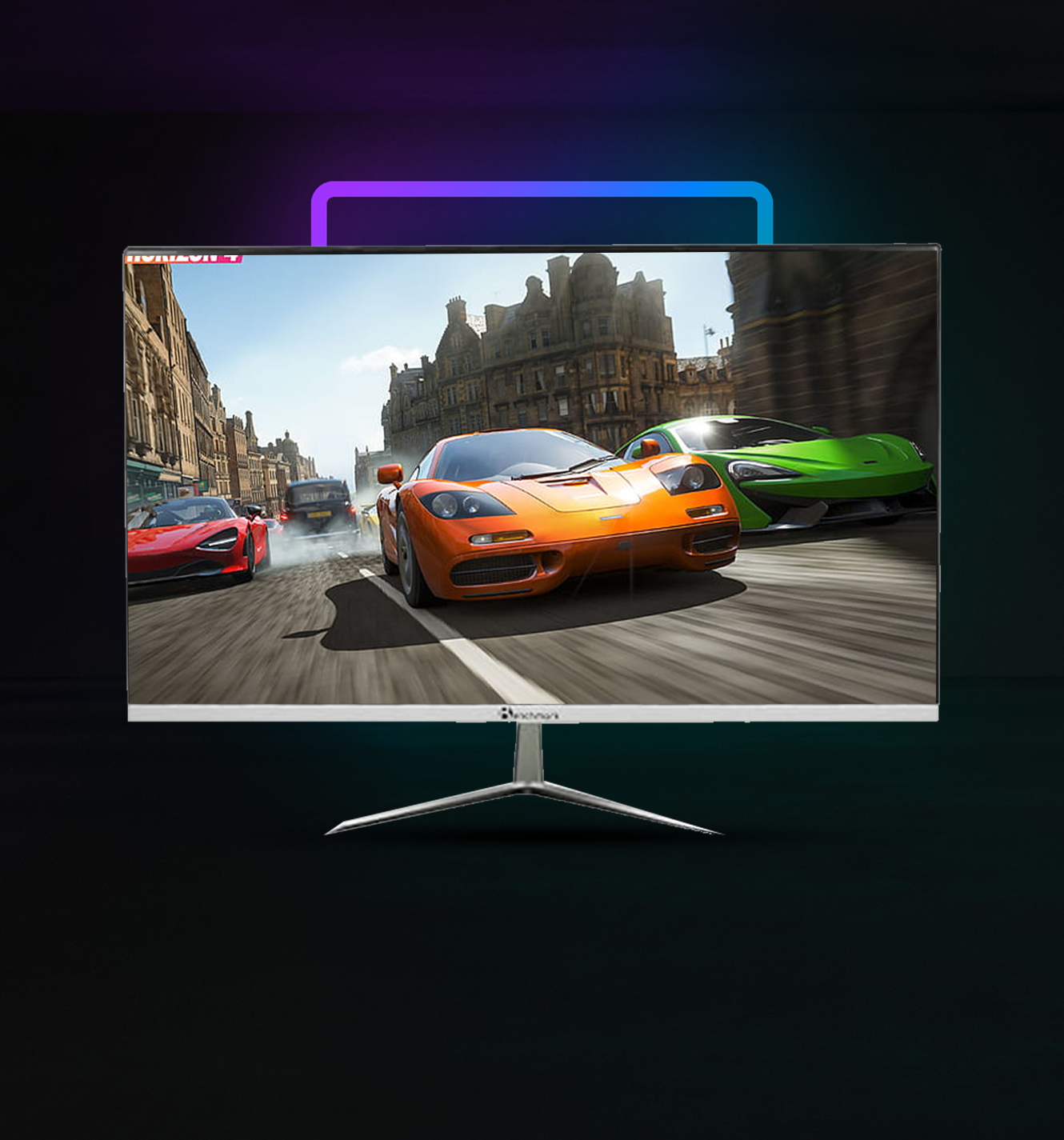
Fluid Performance with 75Hz Refresh Rate
The 75Hz refresh rate, coupled with AMD FreeSync technology, ensures smooth playback during video editing. Screen tearing and stuttering are minimized, making it easier to review high-motion footage.
Built-In Features for All-in-One Convenience
This monitor isn’t just about visuals. It features a built-in camera, microphone, and touch panel, making it a versatile tool for video conferencing and creative presentations.
Versatile Connectivity Options
The Benchmark Technomate comes with HDMI and D-sub ports, offering flexibility to connect multiple devices simultaneously. Whether you’re using a laptop, desktop, or external media player, this monitor handles it all with ease.
How the Benchmark Technomate Stands Out
When compared to other monitors in its class, the Benchmark Technomate’s combination of features, affordability, and performance makes it a standout choice for video editors.
| Feature | Benchmark Technomate 24-Inch Monitor | Competitor A | Competitor B |
|---|---|---|---|
| Display Type | IPS Panel | VA Panel | TN Panel |
| Color Accuracy | Excellent | Good | Average |
| Refresh Rate | 75Hz | 60Hz | 75Hz |
| Built-In Features | Camera, Mic, Touch Panel | Camera Only | None |
| Price | Affordable | Slightly Higher | Budget-Friendly |
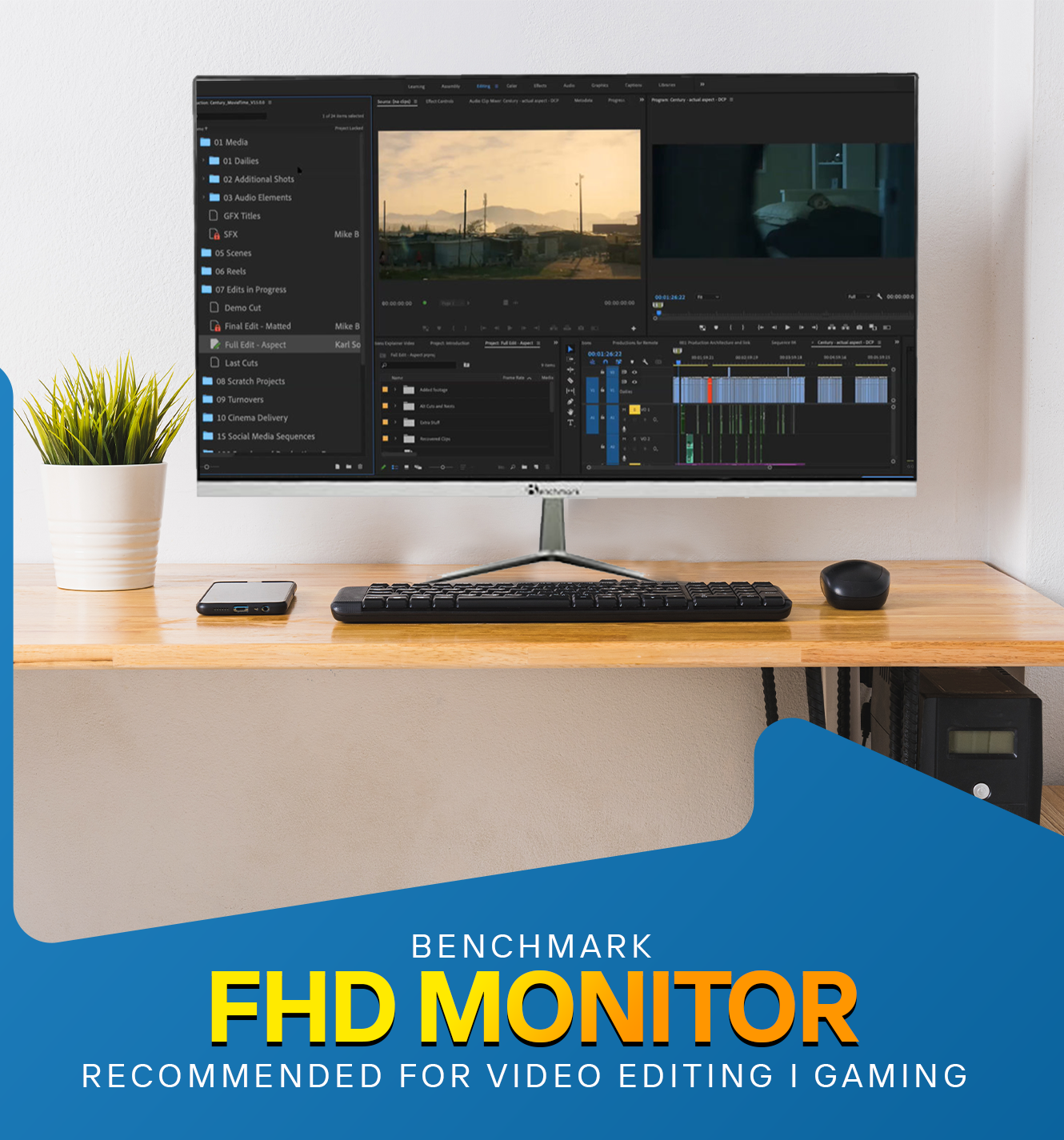
What to Look for in the Best Monitor for Video Editing
While the Benchmark Technomate is an excellent choice, knowing what to look for in a monitor ensures you make an informed decision. Here’s a quick checklist:
- Resolution: Aim for 1080p at a minimum. For professional editing, 4K monitors are ideal.
- Color Accuracy: Look for monitors with sRGB, AdobeRGB, or DCI-P3 color standards.
- Panel Type: IPS panels are preferred for video editing due to their superior color accuracy.
- Connectivity: Ensure the monitor has HDMI, DisplayPort, and USB-C options for seamless device connections.
- Adjustability: Ergonomic stands allow for height and tilt adjustments, improving comfort during long editing sessions.
FAQs
What makes the Benchmark Technomate 24-inch Monitor ideal for video editing?
Its IPS panel, accurate color reproduction, 75Hz refresh rate, and built-in features make it a versatile and powerful choice for video editors.
Is a 24-inch monitor large enough for video editing?
Yes, for most workflows, a 24-inch monitor provides sufficient screen real estate. However, larger monitors can be more comfortable for multitasking and detailed work.
How does AMD FreeSync help with video editing?
AMD FreeSync minimizes screen tearing and stuttering, ensuring smooth playback, which is especially useful when editing high-motion content.
What is the importance of color accuracy in video editing?
Color accuracy ensures that the final video appears consistent across different devices, providing a professional finish to your projects.
Can the Benchmark Technomate 24-inch Monitor handle 4K footage?
While it supports 1080p resolution, it offers excellent performance for 4K footage review, but true 4K editing may require a higher resolution monitor.
Does the built-in camera and microphone affect the monitor's performance?
Not at all. These features are an added convenience for multitasking, without compromising display performance.
Conclusion
The Benchmark Technomate 24-inch Monitor is a powerful, affordable solution for video editors who value color accuracy, smooth performance, and versatile features. While it may not be a 4K monitor, its impressive IPS panel and innovative built-in tools make it a solid choice for both beginners and professionals.
Investing in the right monitor is an investment in your craft, and the Benchmark Technomate is a worthy contender for the best monitor for video editing in its class.
Final Thoughts: Whether you're a seasoned editor or just starting your journey, choosing the right monitor can elevate your work to new heights. Explore the Benchmark Technomate today and discover how it can transform your editing experience.
Prev post

How to Set Up OBS Studio for YouTube Streaming
Updated on 27 January 2025
Next post

Professional Studio Lighting Setup by Benchmark
Updated on 23 January 2025


