


Sagar Sinha Youtube Studio Setup | Success Story
Who is Sagar Sinha?
Sagar Sinha is a very well-known Corporate Trainer and Business Coach. He helps people grow their business, improve their skills, and become confident leaders. He has trained many students, business owners, and working professionals.
Sagar also runs a successful YouTube channel where he teaches about business and personal growth. His videos are popular because he explains things clearly and simply.
But now, his videos also look amazing—and there’s a reason behind that!
Why Did Sagar Need a Studio?
When Sagar started making videos, he used basic equipment. But as more people started watching his videos, he realized:
- He needed better video and sound
- He needed a smart board for teaching
- He needed a camera that could follow him
- He wanted a professional-looking setup
That’s when he decided to build a full YouTube studio at home. And to do that, he got help from Smart Infovision.
Also Read: Top 10 Reasons to Choose Benchmark Sigma AI-A7 for Corporate Meetings

Who Helped Sagar Build His Studio?
Sagar chose Smart Infovision, a company that helps teachers and content creators set up their online teaching studios.
They gave him the best equipment from the brand Benchmark Technomate—a trusted Indian brand that makes digital boards, cameras, lights, and more.
Smart Infovision not only gave him the products—they also installed everything and taught him how to use it.
What Did Sagar Use in His Studio?
| Product | Use |
|---|---|
| Benchmark Maxpro 13 Board | For writing, teaching, and showing slides |
| PTZ Camera (Auto-tracking) | Follows him while he moves and speaks |
| LED Lights (2 Units) | Makes the video bright and clear |
| Acoustic Foam Panels | Stops echo and background noise |
| Benchmark Mic | Records clear voice |
| Stylus Pens | For writing on the digital board |
All of these were provided and installed by Smart Infovision.
Also Read: Benchmark Sigma AI-A7 for Educational Institutions: A Game Changer

What Changed After the Studio Was Ready?
- His video quality improved
- His viewers started watching longer
- He got new training projects from companies
- He felt more confident while recording
What Does Sagar Say About This Setup?
“Smart Infovision understood exactly what I needed. Benchmark Technomate gave me the best quality, and Smart Infovision set up everything perfectly. My students love it!”
— Sagar Sinha
Why You Should Learn from Sagar Sinha
If you are a:
- Teacher
- Coach
- YouTuber
- Trainer
- Or someone who wants to teach online…
Then you can also build your own smart studio, just like Sagar did.
Good content needs a good setup—and Sagar’s story shows how powerful that setup can be.
Also Read: Benchmark Sigma AI-A7 Troubleshooting Guide: Fix Common Issues Quickly
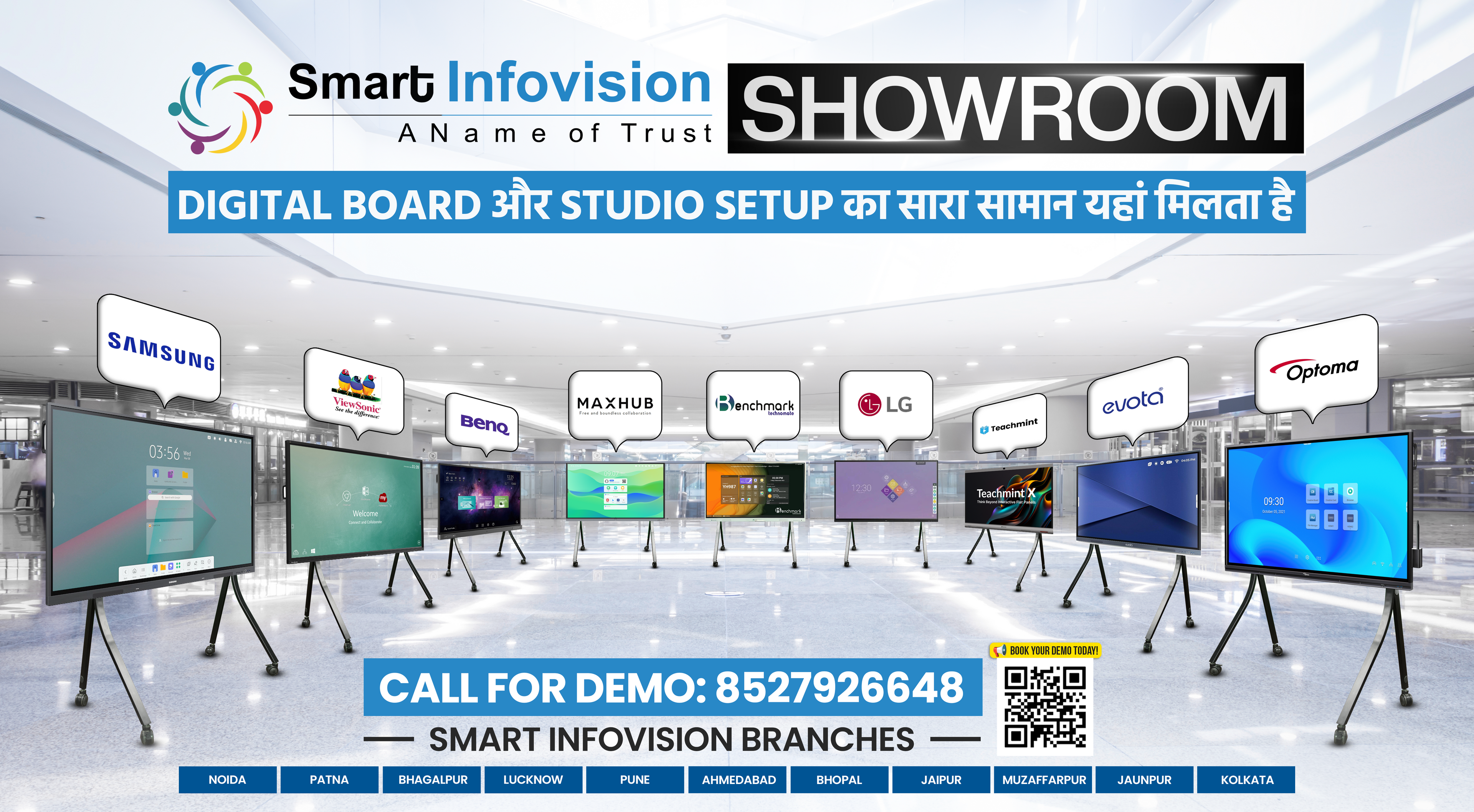
How Smart Infovision Helps
Smart Infovision is a company that helps you build a studio for online classes or YouTube. They offer:
- Smart Boards (like Benchmark Maxpro 13)
- PTZ Cameras that move and zoom
- Lighting and Soundproofing
- Full Setup & Training
They work in Mumbai, Pune, Patna, Lucknow, Jaipur, Ahmedabad, and more cities in India.
Want a Studio Like Sagar's? Here’s What to Do:
- Call or WhatsApp
- Ask for a free consultation
- Get the best setup plan
- Get your studio ready in 3 to 5 days!
What You’ll Get in the Setup
- Smart Board (4K Touch Panel)
- PTZ Camera (Auto Tracking)
- LED Lights
- Soundproof Foam
- Mic and Stylus
- Cables + Remote
- Training and Support
Message to Sagar Sinha’s Followers
If you are a fan or student of Sagar Sinha, you already know how powerful his teaching is.
But now, you also know the secret behind his perfect videos—his smart studio by Smart Infovision using Benchmark Technomate equipment.
Now it’s your turn.
Take inspiration from Sagar.
Build your own smart studio.
Teach the world your way!
FAQs
1. Who is Sagar Sinha?
Sagar Sinha is a well-known Corporate Trainer and Business Coach who helps people grow their business and leadership skills. He also shares useful content on his YouTube channel.
2. Why did Sagar Sinha build a YouTube studio?
As more people watched his videos, Sagar wanted to improve the quality of his content. So, he built a professional studio to give his viewers a better learning experience.
3. Who helped Sagar set up his studio?
Sagar got his entire studio set up by Smart Infovision, a company that helps trainers and teachers build professional teaching studios.
4. What equipment does Sagar use in his studio?
Sagar uses products from the Benchmark Technomate brand. His setup includes a smart board, PTZ camera, LED lights, mic, and acoustic foam panels.
5. What is a PTZ camera and why is it useful?
A PTZ camera stands for Pan-Tilt-Zoom. It can move and follow the speaker automatically, making it great for recording or live teaching.
6. Can I get a studio like Sagar Sinha’s at my home or institute?
Yes! Smart Infovision offers complete studio setups for teachers, YouTubers, and institutes. They deliver and install across India.
7. Is it difficult to use the equipment?
Not at all. Smart Infovision provides training so you can easily learn how to use the board, camera, mic, and other tools.
8. How long does it take to install the studio?
The setup usually takes 3 to 5 days from consultation to full installation.
9. What brands does Smart Infovision offer?
Smart Infovision is an official provider of Benchmark Technomate products and also offers various other smart class solutions.
Prev post

Yogi Yogendra YouTube Studio Setup | Success Story | Technical Yogi
Updated on 07 May 2025
Next post

Installation at Bhagalpur by Smart Infovision: Transforming Educational & Coaching Spaces
Updated on 05 May 2025


