


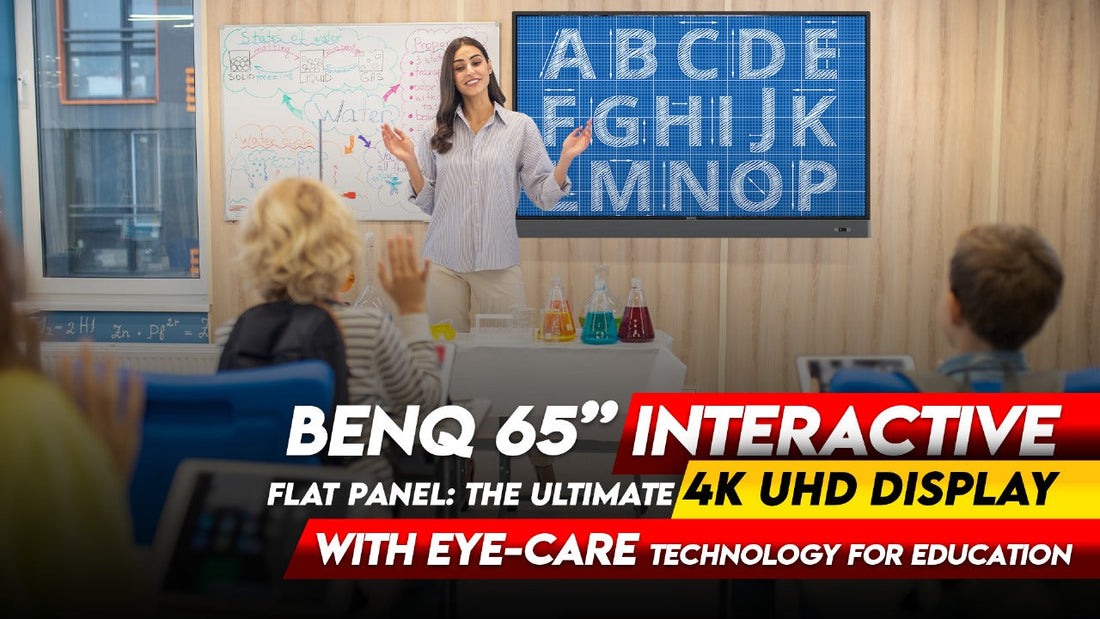
BenQ 65” Interactive Flat Panel: The Ultimate 4K UHD Display with Eye-Care Technology for Education
The BenQ 65” Interactive Flat Panel is transforming how educators and students interact in the classroom. With its 4K UHD resolution, advanced Eye-Care technology, and user-friendly interface, it offers an unparalleled teaching and learning experience. This interactive flat panel is specially designed to support dynamic teaching methods while ensuring the safety and comfort of users.
In this article, we’ll explore why the BenQ 65” Interactive Flat Panel is the go-to choice for modern educational environments.
What is the BenQ 65” Interactive Flat Panel?
The BenQ 65” Interactive Flat Panel is a state-of-the-art digital display equipped with a 4K UHD (3840 x 2160) resolution, providing crisp and clear visuals. Designed primarily for educational settings, it offers advanced features such as:
-
Eye-Care Technology for enhanced eye protection
-
Multi-Touch Capability for seamless interactivity
-
Intelligent Whiteboard Tools for engaging presentations
-
Wireless Screen Sharing for dynamic collaboration
This versatile display supports various educational tools, making it ideal for classrooms, training centers, and digital learning environments.
Also Read: Digital Board Installations in Darbhanga | Smart Board Provider near me
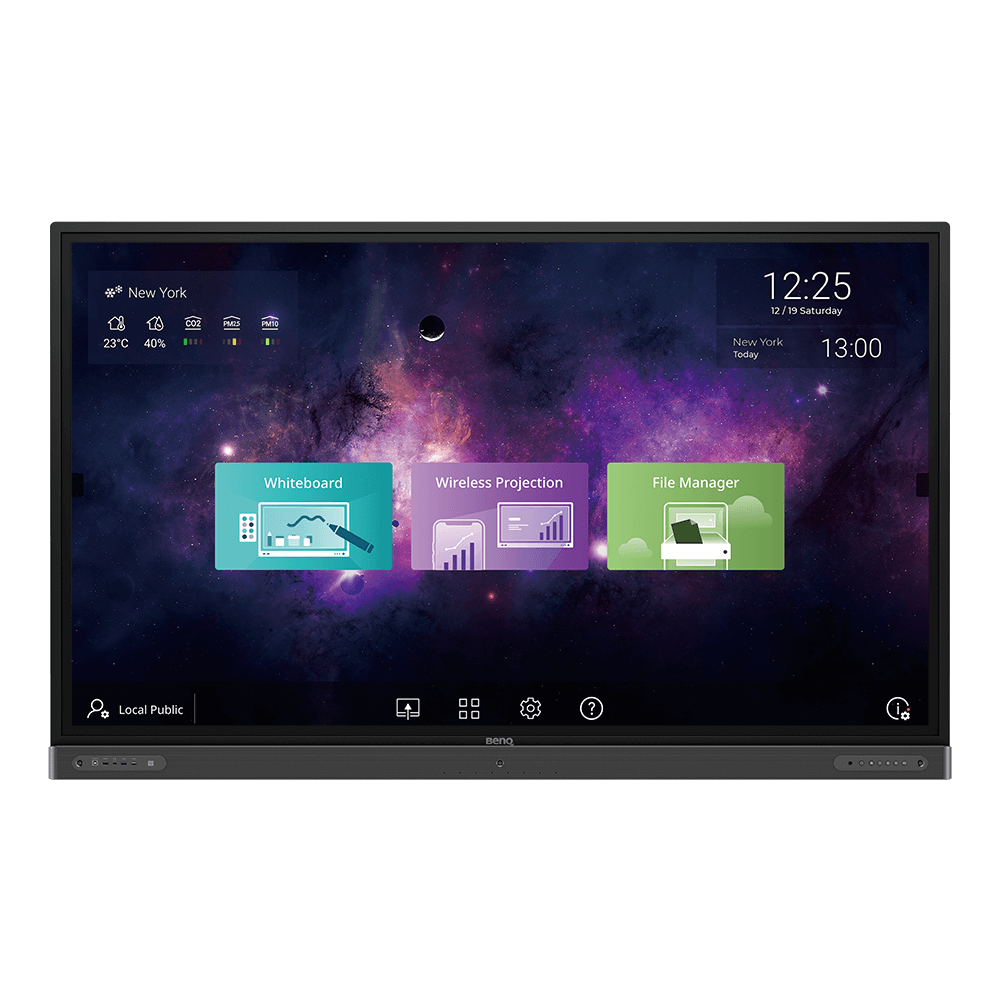
Features of BenQ 65” Interactive Flat Panel
The BenQ 65” Interactive Flat Panel stands out due to its combination of cutting-edge features that enhance the overall teaching and learning experience. Here’s a closer look at what makes it a top choice for educators:
1. 4K UHD Display for Superior Clarity
With a 4K UHD resolution, the BenQ 65” Interactive Flat Panel delivers stunning image quality. Whether you are presenting text, graphics, or videos, the clarity remains exceptional.
This ultra-high-definition display ensures that students can view content from anywhere in the classroom, making it ideal for larger learning environments.
| Feature | Description |
|---|---|
| 4K UHD Display | High-definition display (3840 x 2160) with wide color gamut and fine IR touch for natural handwriting. |
| Cloud Whiteboard & Collaboration | EZWrite 5 enables real-time collaboration, annotation, and file sharing via Google Drive and Dropbox. |
| Smart Broadcasting System | X-Sign Broadcast delivers instant alerts, messages, and announcements to selected groups or the whole school. |
| Germ-Resistant Screen | TÜV and SIAA certified, built with nano-ionic silver compounds for long-lasting antibacterial efficacy. |
| Eye-Care Technology | TÜV-certified low blue light, flicker-free, and anti-glare technology ensures student health and comfort. |
| Seamless Wireless Collaboration | InstaShare software allows wireless streaming of audio, video, and mirroring across devices. |
| Voice Assistant Control | Hands-free control of timers, searches, and classroom flow via voice commands. |
| Front-Facing Speakers | Dual 16W speakers deliver superior audio for impactful classroom learning. |
| Multi-Account Management | Enables personalized workspaces and easy access to personal settings and cloud storage. |
| BenQ Launcher | Aggregates essential tools and apps for easy class setup and seamless switching between tasks. |
| Specification | Details |
|---|---|
| Display Resolution | 4K UHD (3840 x 2160) |
| Display Technology | LCD |
| Screen Size | 65 inches |
| Response Time | Ultra-low latency with fine IR touch |
| Touch Points | Multi-touch support |
| Eye Care Technology | Low blue light, flicker-free, anti-glare |
| Cloud Integration | Google Drive, Dropbox |
| Speakers | Front-facing dual 16W speakers |
| Wireless Collaboration | InstaShare software for seamless streaming and mirroring |
| Antibacterial Certification | TÜV and SIAA Certified |
| Operating System | Preloaded teaching apps and widgets |
| Connectivity | USB, HDMI, Wi-Fi, Mic-In |
| Voice Control | Hands-free voice assistant |
2. Eye-Care Technology for Enhanced Safety
One of the standout features of the BenQ 65” Interactive Flat Panel is its Eye-Care Technology. This includes:
-
Flicker-Free Technology: Eliminates flickering at all brightness levels to reduce eye strain.
-
Low Blue Light Technology: Minimizes blue light emissions, which can cause eye fatigue over time.
-
Anti-Glare Surface: Provides clear visuals without causing reflections or glare, enhancing comfort during long viewing sessions.
For educators who spend hours teaching, and students who are constantly engaging with the display, Eye-Care Technology offers a safer and more comfortable experience.
3. Multi-Touch Capability for Interactive Learning
The BenQ 65” Interactive Flat Panel supports up to 20 simultaneous touch points, making collaborative learning effortless. Whether it’s writing, drawing, or annotating, the touch response is fast and accurate.
This feature is perfect for:
-
Group projects where multiple students can contribute simultaneously.
-
Interactive lessons that encourage participation and creativity.
-
Annotating documents directly on the screen for better clarity.
Also Read: Smart Infovision's Top Installations in Buxar
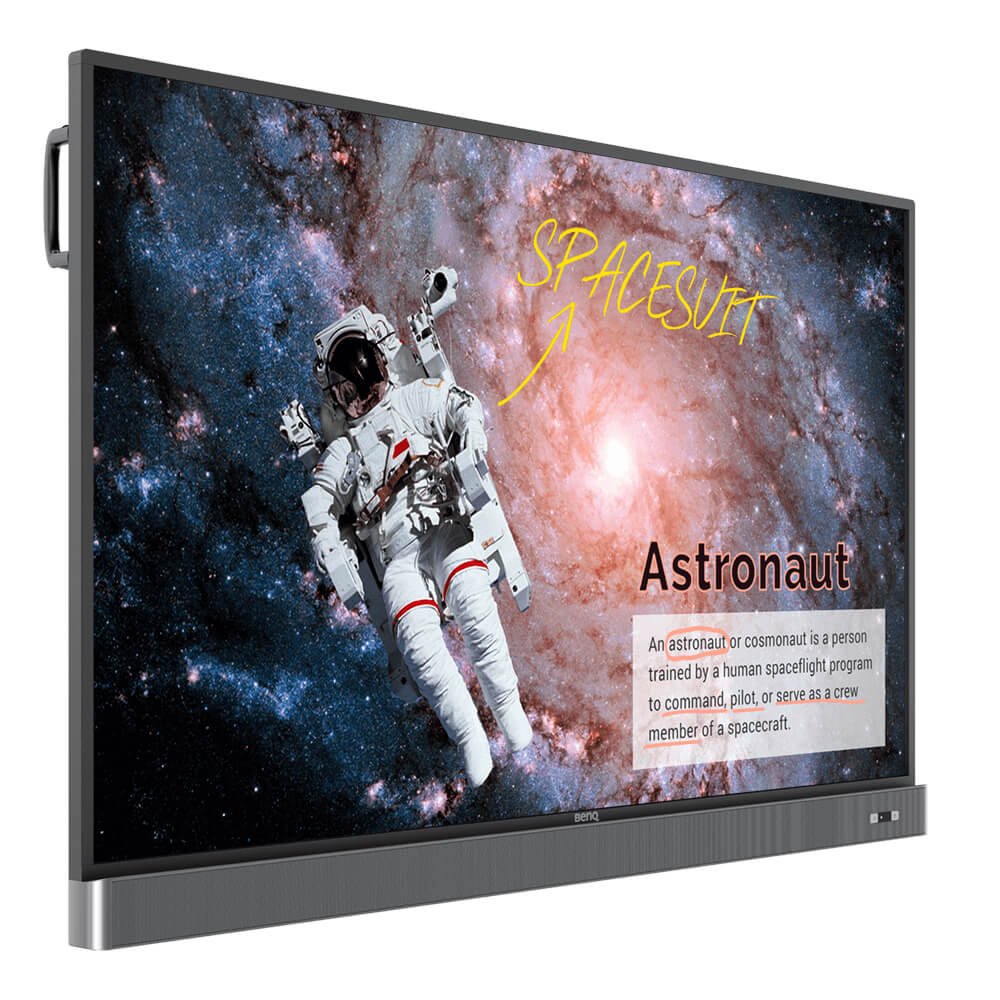
4. Intelligent Whiteboard Tools
The built-in intelligent whiteboard tools make teaching more interactive and engaging. Teachers can:
-
Create dynamic lesson plans.
-
Save and share notes instantly.
-
Integrate multimedia resources for enhanced learning.
The BenQ 65” Interactive Flat Panel also supports cloud storage, making it easy to access materials from anywhere.
5. Wireless Screen Sharing for Seamless Collaboration
With the BenQ 65” Interactive Flat Panel, educators can share content wirelessly from multiple devices. This feature allows:
-
Instant connectivity with laptops, tablets, and smartphones.
-
Efficient collaboration during group discussions.
-
Seamless transitions between presenters during classroom activities.
Students can also share their work with the class, encouraging a more collaborative learning environment.
6. User-Friendly Interface & Compatibility
The BenQ 65” Interactive Flat Panel is designed to be easy to use, with a simple interface and compatibility with popular educational software. Its plug-and-play functionality ensures that teachers can focus on teaching instead of troubleshooting technical issues.
Additionally, it supports a variety of formats, including Microsoft Office files, PDFs, videos, and images.
Also Read: Digital Board Installations in Madhubani | Interactive Flat Panel Provider

Why Educators Love the BenQ 65” Interactive Flat Panel
Educators around the world are choosing the BenQ 65” Interactive Flat Panel for its:
-
Crystal-clear 4K UHD display that enhances visual learning.
-
Protective Eye-Care technology for long teaching sessions.
-
Multi-touch capabilities that encourage interactivity.
-
Seamless connectivity and compatibility with various devices.
-
User-friendly interface that simplifies the teaching process.
The combination of these features creates an engaging learning experience that is both effective and enjoyable.
FAQs
1. What makes the BenQ 65” Interactive Flat Panel suitable for education?
The BenQ 65” Interactive Flat Panel is ideal for education due to its 4K UHD resolution, Eye-Care Technology, multi-touch capabilities, and intelligent whiteboard tools, enhancing engagement and safety in classrooms.
2. Does the BenQ 65” Interactive Flat Panel support wireless screen sharing?
Yes, it supports wireless screen sharing from multiple devices, allowing for a more collaborative learning environment.
3. How does Eye-Care Technology work in the BenQ 65” Interactive Flat Panel?
It includes Flicker-Free Technology, Low Blue Light Technology, and an Anti-Glare Surface, all designed to reduce eye strain and enhance comfort during prolonged use.
4. Can the BenQ 65” Interactive Flat Panel be used for hybrid learning?
Absolutely! Its features are ideal for both in-person and remote teaching, making it a versatile tool for various learning setups.
5. Is the BenQ 65” Interactive Flat Panel compatible with other devices?
Yes, it supports connectivity with laptops, tablets, smartphones, and other devices, making it highly adaptable for modern classrooms.
Conclusion
The BenQ 65” Interactive Flat Panel offers a perfect blend of advanced technology, user-friendliness, and safety features. Its 4K UHD resolution and Eye-Care Technology make it a standout choice for educational institutions looking to enhance their teaching methods.
Whether you're teaching a digital classroom, conducting a training session, or hosting a seminar, the BenQ 65” Interactive Flat Panel provides all the tools you need for a superior experience.
Prev post

Home Studio Tour | Online Class Studio Setup | Behind the Camera with Gagan Pratap Sir
Updated on 02 May 2025
Next post

Armaan Zunaid – Junnu Ki Tech | YouTube Success Story and Studio Setup
Updated on 28 April 2025


